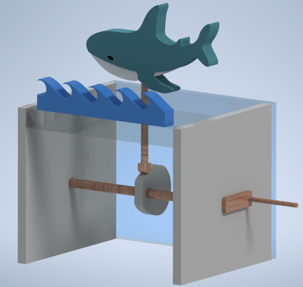
PLTW Engineering Work
A collection of projects I've worked on during my work in the Project Lead the Way program.
Alex Merryman
1/17/20244 min read
Puzzle Project
Design Statement: Design a Puzzle Cube
Constraints
Must be a cube
Has to contain 5-6 Parts
No piece bigger than 6 cubes
No more than one piece as a simple cube or prism
Dimensions of 2 ¼ x 2 ¼ x 2 ¼
Each part based off ¾” cubic dimensions
Puzzle will Interlock (have components in x, y, z axis).
Criteria
Two sets of thumbnail sketches
Rough Multi-View sketches
One set of AutoCAD Inventor Files
One set of orthographic drawings in Autodesk Inventor
1 Assembly Animation
1 Assembly Drawing
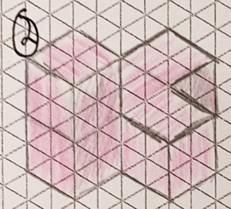
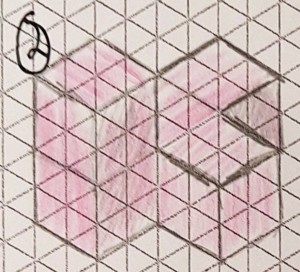
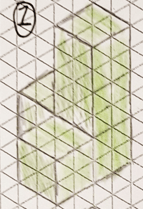
Thumbnail Sketches
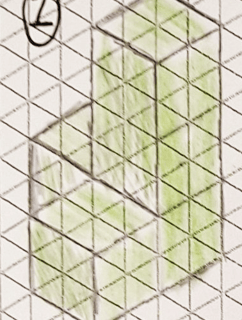
The Thumbnail Sketches are the first step in the designing of this Puzzle Cube. They serve to help the designer get an idea of the shape of each component.
Multi-View Sketches
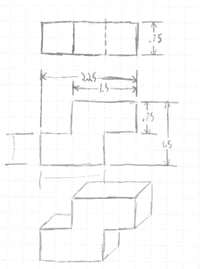
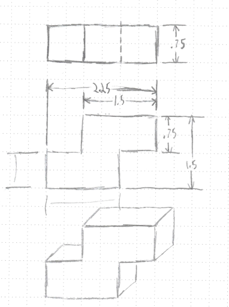
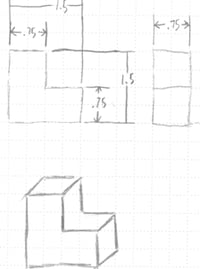
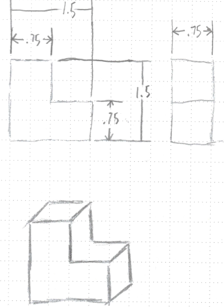
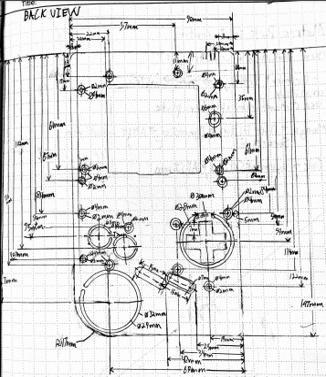
The Multi-View Sketches are more detailed than the thumbnails and give dimensions to each part. These are often used as a reference for the following steps.
CAD Orthographic Drawings
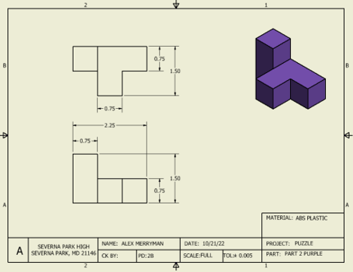
The Orthographic drawings are made in Autodesk Inventor, a 3D-CAD program. These drawings provide dimensioning and multiple views, giving a potential manufacturer enough information to make the item.
CAD Assembly Drawing
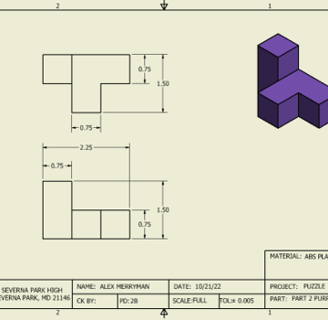
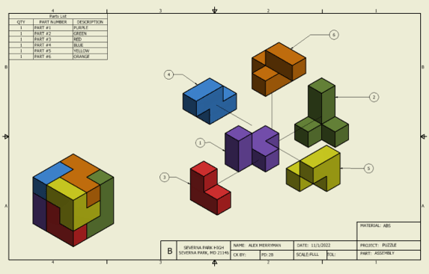
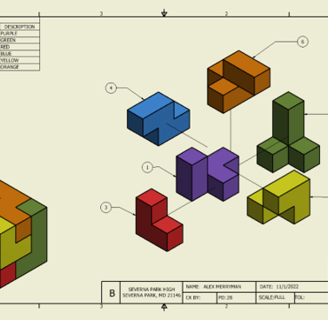
The final assembly drawing takes all of the previous parts and shows how they assemble together. This serves to prove they all fit and also can be used as a reference for all of the components.
CAD Assembly Animation
The Assembly Animation, also created in Inventor shows how the parts are put together.
Reverse Engineering
Project Goal
To successfully reverse engineer a product by analyzing and designing a 3D model of the part and to provide the necessary drawings for reproduction.
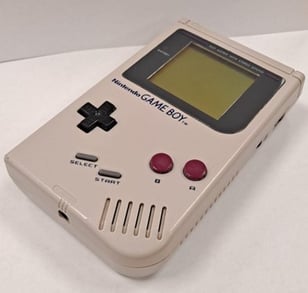
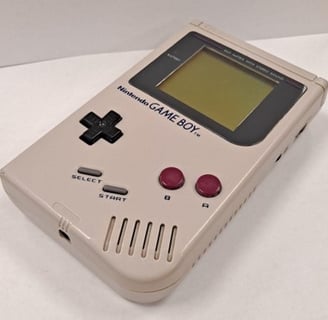
Nintendo Gameboy DMG (1989)
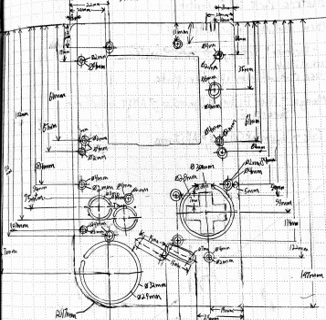
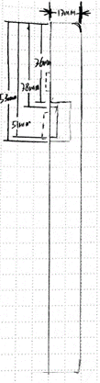
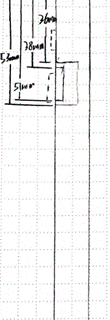
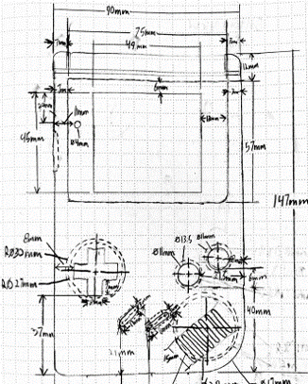
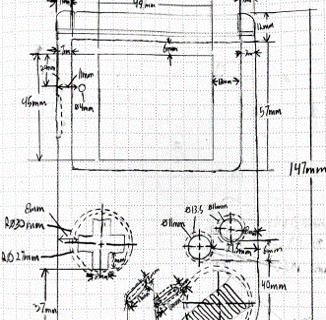
Initial Sketches
CAD Orthographic Drawings
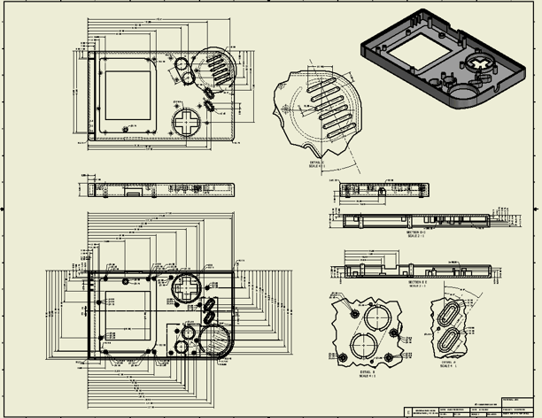
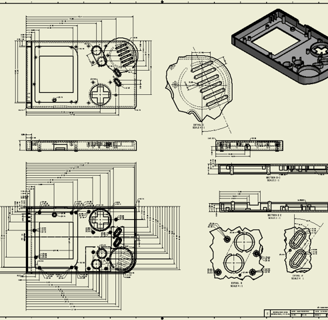
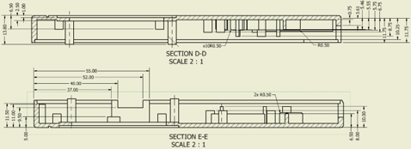
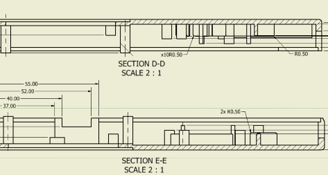
These Drawings contain Section and Detail views, they help to make dimensions less cluttered and more easily understood.
CAD Assembly Drawing
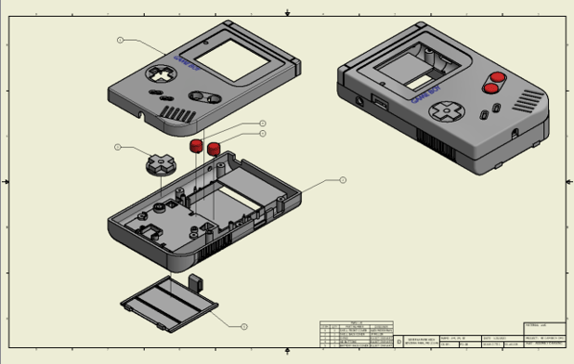
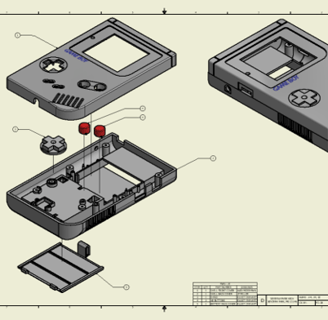
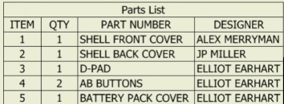
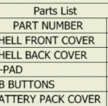
The Assembly Drawing shows how all the parts fit together. The parts list is a reference of each component in the design and who designed it. Components are numbered in the diagram.
CAD Assembly Animation
The Assembly Animation, also created in Inventor shows how the parts are put together.
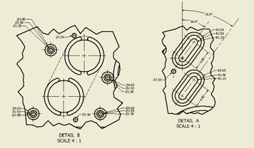
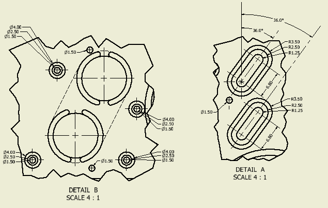
Detail Views
Section Views
Automata Project
Project Goal
Swimming Shark
Initial Sketches
CAD Orthographic Drawings
These Drawings contain Section and Detail views, they help to make dimensions less cluttered and more easily understood.
CAD Assembly Drawing
The Assembly Drawing shows how all the parts fit together. The parts list is a reference of each component in the design and who designed it. Components are numbered in the diagram.
CAD Assembly Animation
The Assembly Animation, also created in Inventor shows how the parts are put together.
Detail Views
Section Views